

It goes: underdrive, drive, and then overdrive.
PC players with state-of-the-art hardware will soon experience Cyberpunk in a new, Path Traced, light.
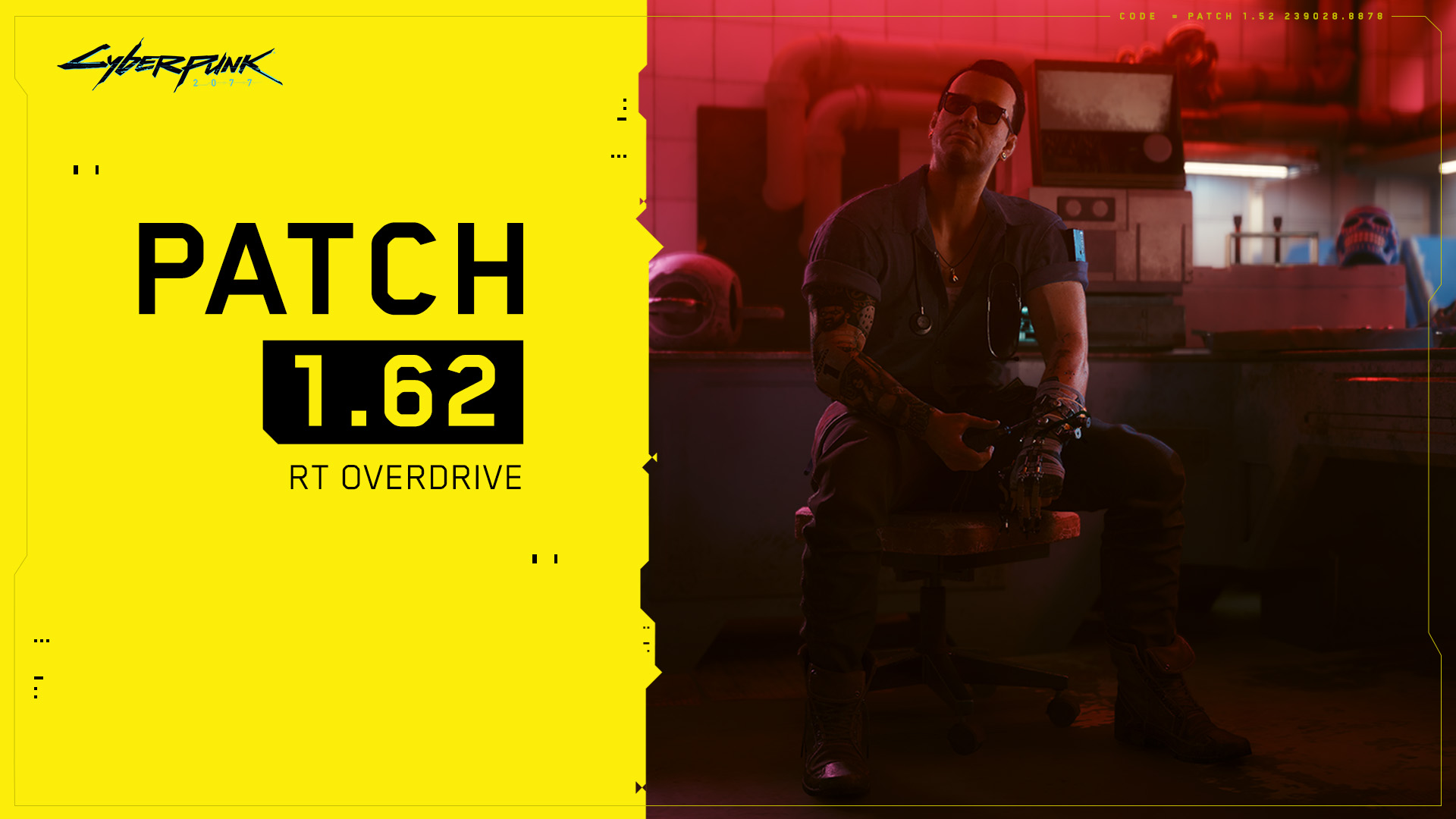
Patch 1.62 has hit the live servers and brought a tech preview of Ray Tracing: Overdrive Mode for high-end PCs.
Cyberpunk 2077’s devs have teamed up with NVIDIA, the home of the traced ray, to bring forth a new, fully ray-traced, (or path-traced) rendering mode to the game.
The pretty, shiny thing, however, comes with a couple of caveats: it’s new, so it may cause some issues on the users’ end. This is why the powers that be have chosen to call Patch 1.62 a “Technology Preview”
Which graphics cards support Ray Tracing: Overdrive Mode in Cyberpunk 2077
Ray Tracing: Overdrive Mode is currently supported on NVIDIA GeForce RTX 40 Series (4070 Ti and up) graphics cards. The technology preview can also run on NVIDIA GeForce RTX 3090 (1080p, 30 fps).
Ray Tracing: Overdrive is very GPU intensive, therefore it’s set to “OFF” by default.
What about the other ray-tracing-capable PC graphics cards?
If you have a slightly “weaker” graphics card with at least 8GB VRAM but your PC is still capable of ray-tracing: the devs have added the option to render path-traced screenshots in Photo Mode.
If your graphics card has more than 8GB VRAM and this option is still greyed out, it means you need to lower your in-game resolution. Note that the higher the resolution and the less powerful the GPU is, the longer it will take to take a screenshot (between a few seconds to several minutes).

How to enable Ray Tracing: Overdrive in Cyberpunk 2077
You can enable the Ray Tracing: Overdrive preset in Settings > Graphics > Quick Preset, or just Path Tracing separately in Settings > Graphics in the Ray Tracing section.
Enable Path Tracing for Photo Mode
You can enable Path Tracing for Photo Mode in Settings > Graphics in the Ray Tracing section.
Patch 1.62 notes
- Path Tracing: Technology Preview
- DLAA – Added NVIDIA DLAA, an AI-based anti-aliasing mode designed to improve image quality. DLAA requires an NVIDIA RTX graphics card. It can be enabled in Settings > Graphics in the NVIDIA DLSS section.
- Intel XeSS – Added support for Intel Xe Super Sampling 1.1, an upscaling technology using machine learning to improve performance with high image quality. It can be enabled in Settings > Graphics in the Resolution Scaling section.
- Benchmark improvements – Improved the Benchmark to display more information in the results screen, including PC specs, GPU driver version and selected settings.


Leave a Reply